How To Match Songs In Your Own Playlist To Cycling Cadence
GagaRun Team
October 8, 2026
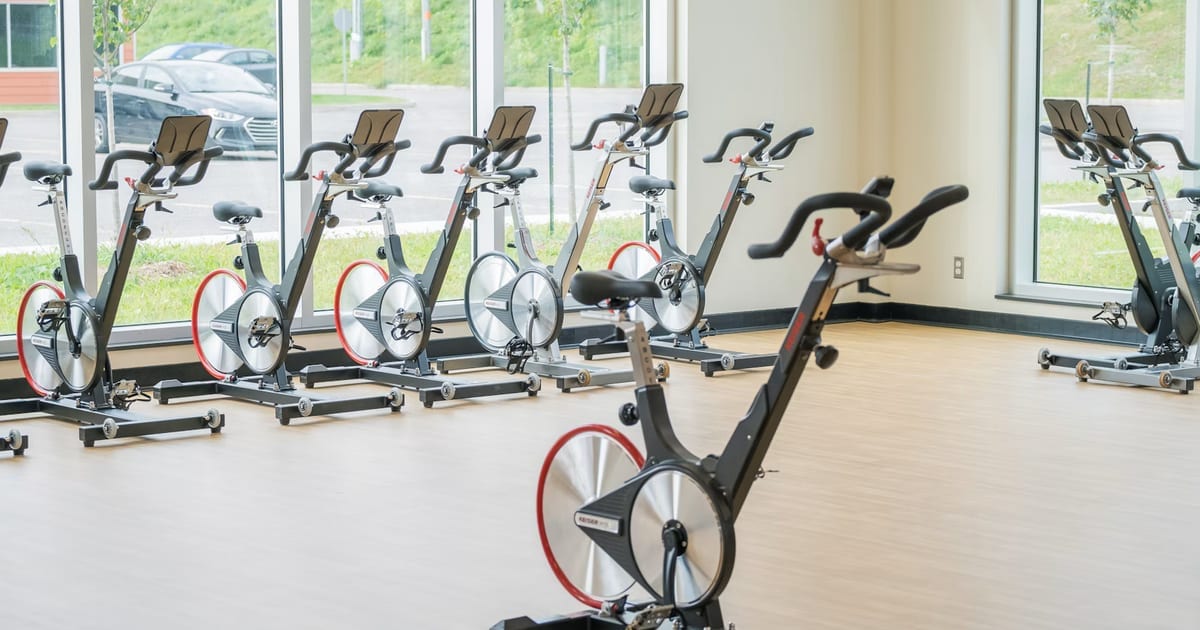
Measure your cycling cadence, then find songs in your collection at roughly the same BPM or twice that number. At 80 RPM, try 80 BPM with one beat per revolution, or 160 BPM with two. Keep the songs whose pulse is easy to follow at your planned cadence.
This guide uses an indoor bike or a bike on a trainer. If you ride outdoors, prepare your playlist before setting off and leave the song sorting for when you have stopped.
Start with RPM, not speed or resistance
Cycling cadence is the number of full crank revolutions you complete per minute. Spinning's cadence guide counts one pedal making a complete circle. Your left and right downstrokes together make one revolution; counting each as a separate revolution would double the result.
Music BPM means beats per minute, as defined in Steinberg's tempo documentation. Find the bike's RPM or cadence reading before choosing songs. Speed, resistance level and heart rate measure different things.
Build your cycling playlist in 5 steps
- Choose a small batch of songs you already enjoy. Keep the artist and exact version with each title; a live recording or remix needs its own BPM check.
- Measure cadence during the segment you plan to ride, using the bike display or a connected cadence sensor. Without a reading, Spinning's manual method is to count the revolutions of one leg for 15 seconds and multiply by 4: 20 complete revolutions gives 80 RPM.
- Check each song's BPM with a tempo tool, then tap along while off the bike if the result seems doubtful. Our song BPM guide explains the manual beat-counting method; follow a steady pulse rather than counting every drum hit.
- Pick one or two beats per full revolution. For an 80 RPM segment, that means looking near 80 or 160 BPM; 80 RPM here is an arithmetic example, not a target for every ride.
- Try the candidates indoors at your planned cadence. Keep the ones you can follow comfortably; if you keep chasing or waiting for a beat, try another song.
A few usable tracks are a good start. Save the title, version, BPM and beats per revolution so you can reuse the choices without sorting your entire collection again.
Why 160 BPM can fit an 80 RPM ride
Each full revolution includes a left and a right downstroke. That gives you two ways to connect the same pedal cadence to a musical pulse:
| Song tempo | What follows the beat | Cadence calculation |
|---|---|---|
| 80 BPM | The same pedal returns to the same position on each beat: one beat per revolution | 80 beats/min ÷ 1 beat/revolution = 80 RPM |
| 160 BPM | Left and right downstrokes alternate on successive beats: two beats per revolution | 160 beats/min ÷ 2 beats/revolution = 80 RPM |
For the second option, count "left, right, left, right." Two beats make one complete revolution. Neither the song nor the pedals need to speed up to make that relationship work.
Spinning's explanation of rhythm riding uses the same principle: a 60 RPM ride can be paired with 60 or 120 BPM music. It also describes riding off the beat when the session calls for it. Music can remain background music; matching it is a choice.
Why a matching BPM can still feel awkward
First check the recording version, then the pulse you are following. If an analyzer reports 80 BPM and another reports 160, listen again and decide how that pulse fits your beats-per-revolution choice. The numbers alone do not settle it.
An intro may have loose timing, a beat may be hard to hear, or the tempo may change partway through. BPM narrows the candidates. Your indoor trial tells you whether a track is easy to follow. Leave an awkward favorite as background music rather than changing the ride to keep it.
Sort a large collection before you ride
For iPhone users with Apple Music, GagaRun's App Store description lists favorite-song imports and BPM analysis. Use the results to narrow your collection, then check each candidate against your RPM and chosen beat pattern. An imported song still needs a completed BPM result before that number can help you choose it.
The Apple Music version requires an active Apple Music subscription, as the official FAQ explains. GagaRun membership does not replace that subscription, and some app features require membership. For favorites saved elsewhere, check the currently supported import method and whether the recording is available in Apple Music.
The same collection can supply a running playlist, but running counts footfalls rather than crank revolutions. For that separate process, see finding running songs in your own playlist.
Frequently asked questions
Can I use a slow song for cycling?
Try one beat per full revolution. An 80 BPM song can fit an 80 RPM ride that way. A gentle melody does not disqualify it; check whether you can hear and follow the pulse.
Does a 160 BPM song mean I have to pedal at 160 RPM?
No. With alternating left and right downstrokes on successive beats, two beats make a full revolution. That pairs 160 BPM with 80 RPM.
What if my playlist has no suitable songs?
Check both beat patterns and keep any small group that works, then add songs over time. You do not need to change your planned cadence to fill a playlist. Other favorites can stay as background music without deliberate beat matching.